


 Documentation
 Examples
 SDK Reference
 Platform API
 Changelog
Quick Example
Generate an image in three lines of code. Install the client, set your API key, and call a model.How It Works
Every model on fal is exposed as an HTTP endpoint. You can call it directly, or go through the queue for automatic retries, status tracking, and scaling. There are several calling patterns depending on your use case. Direct (run) sends a synchronous HTTP request to fal.run and returns the result directly. This is the simplest approach for quick scripts and prototyping.
Subscribe uses the queue under the hood but handles polling automatically, so it feels synchronous. This is what the Quick Example above uses.
Asynchronous (submit) gives you full control over the queue. Submit a request and return immediately, then poll for status or receive results via webhook. This is the recommended approach for production workloads with parallel processing.
Streaming delivers output progressively as the model generates it. This is useful for LLMs that produce tokens incrementally, or for showing generation progress in a UI.
realtime() uses WebSockets for persistent connections, bypassing the queue entirely for sub-100ms latency. Only available for models with an explicit real-time endpoint.
What You Can Generate
The model gallery has 1,000+ models spanning several categories. Here are some popular starting points.Image Generation and Editing
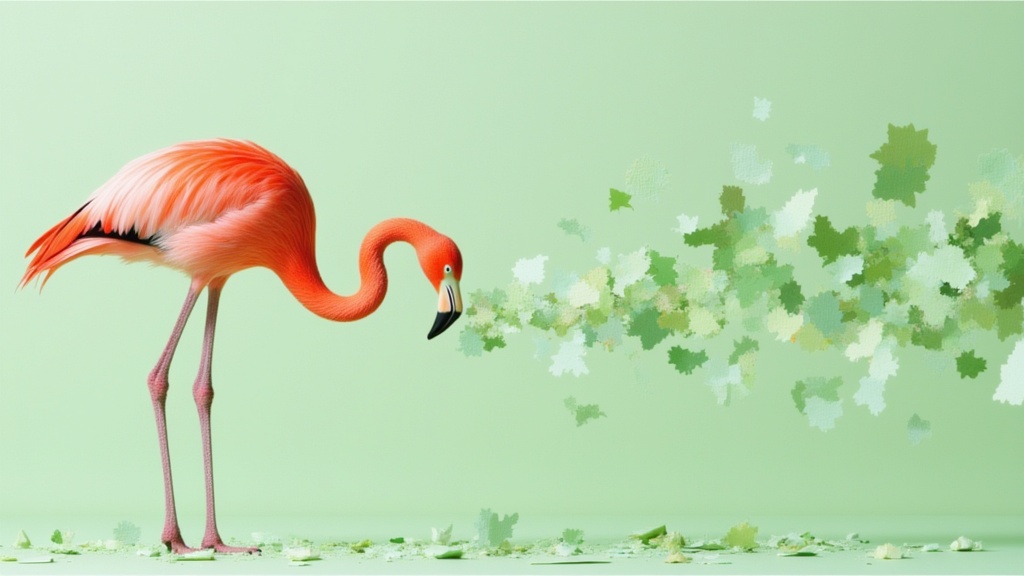
Nano Banana 2
Google’s fast image generation and editing model
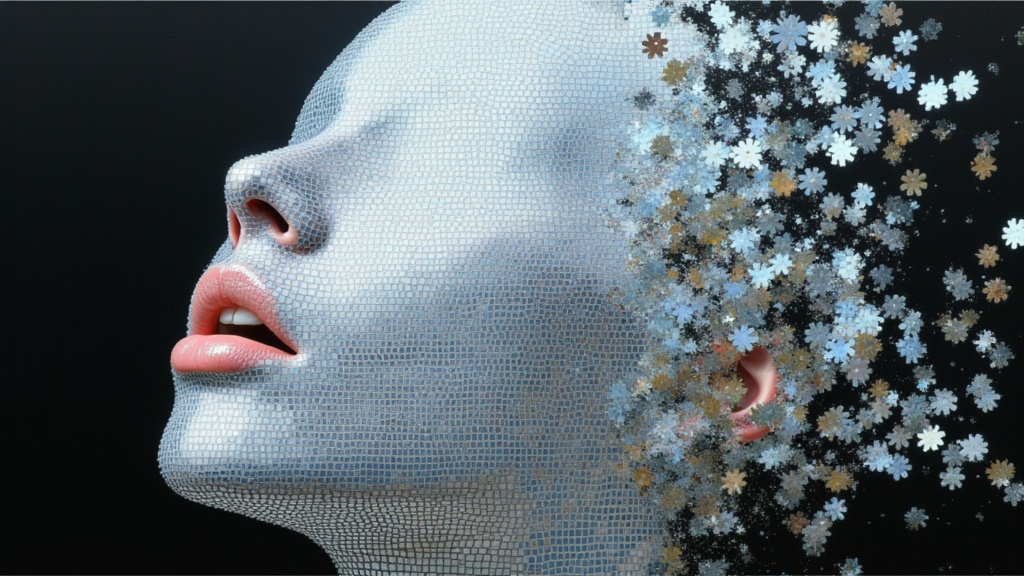
Nano Banana Pro
State-of-the-art image generation with realism and typography
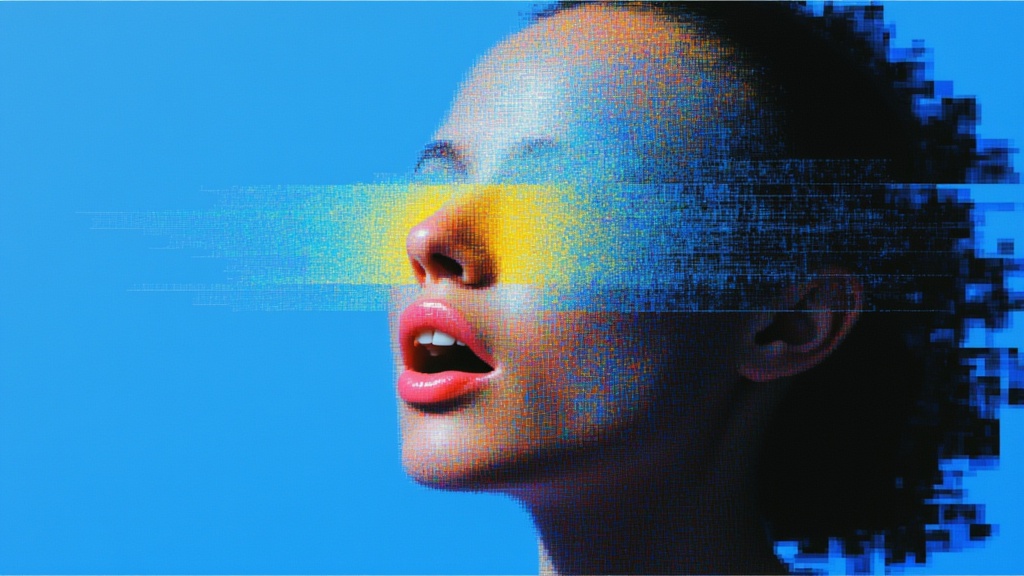
Flux 2 Flex
Enhanced typography and text rendering from BFL
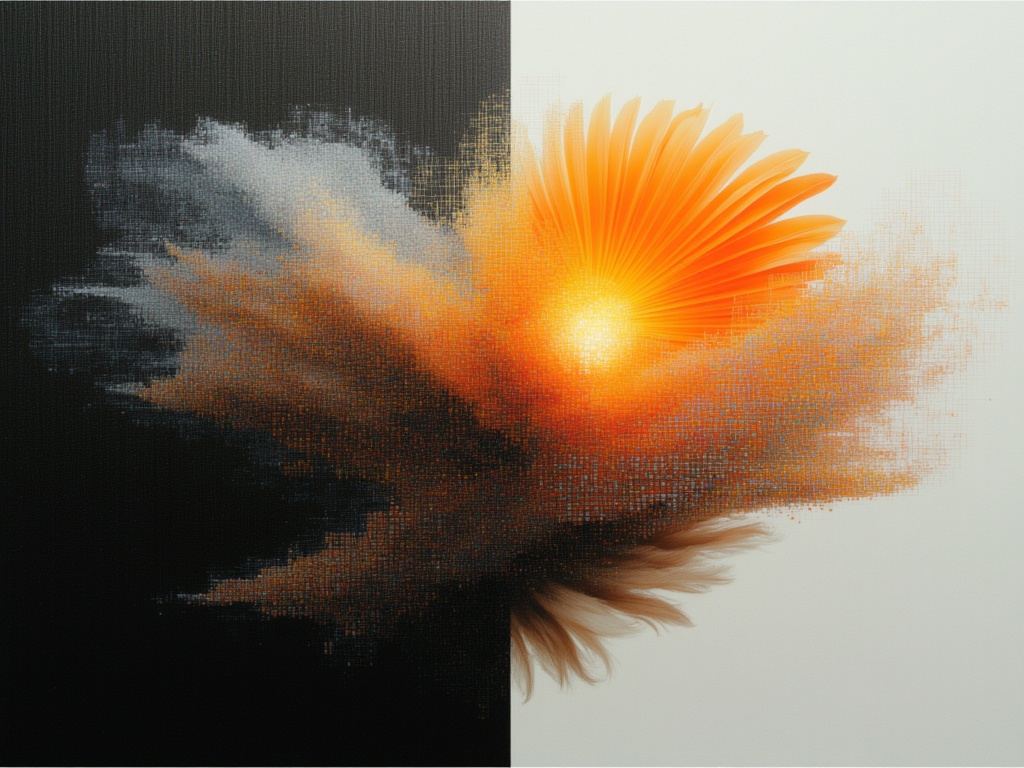
Recraft V4 Pro
Professional design and marketing visuals
Nano Banana 2 Edit
Intelligent image editing with Google’s latest model
FLUX Kontext Pro
Targeted edits and complex scene transformations
Video Generation
Veo 3.1
Google DeepMind’s latest video model with sound

Kling 3.0 Pro
Cinematic image-to-video with fluid motion
Kling O3
Start and end frame animation with scene guidance
Sora 2
OpenAI’s video model with audio generation

LTX-2 19B
Video with audio from images using LTX-2
Sora 2 Pro
OpenAI’s premium video model with enhanced quality
Audio and Speech
Chatterbox TTS
Natural text-to-speech from Resemble AI

MiniMax Speech-02 HD
High-quality multi-voice text-to-speech
Dia TTS
Multi-speaker dialogue with voice cloning
Beatoven Music
Royalty-free instrumental music generation
Beatoven SFX
Professional sound effect generation
ElevenLabs Music
High quality, realistic music generation
Explore All Models
Browse 1,000+ models across image, video, audio, 3D, and more